whitefruit is a program which pulls Spotify, Apple Music, and YouTube Music playlists down as properly tagged audio and pushes them into iTunes. Downloads, dedupes, re-encodes, and syncs - perfect if you're trying to larp an iPod.
Background
iPods are back!!! Not in an Apple-is-selling-them way, but more as a 'its all over my instagram fyp' way.
But damn, they're expensive, and I'd rather that cash on necessities, like food, water, housing...
Yeah no.
I bought an iPod classic 5th gen - the holy grail for audiophiles, and it's beautiful. Steve really did his job.
Then I tried to put music on it.
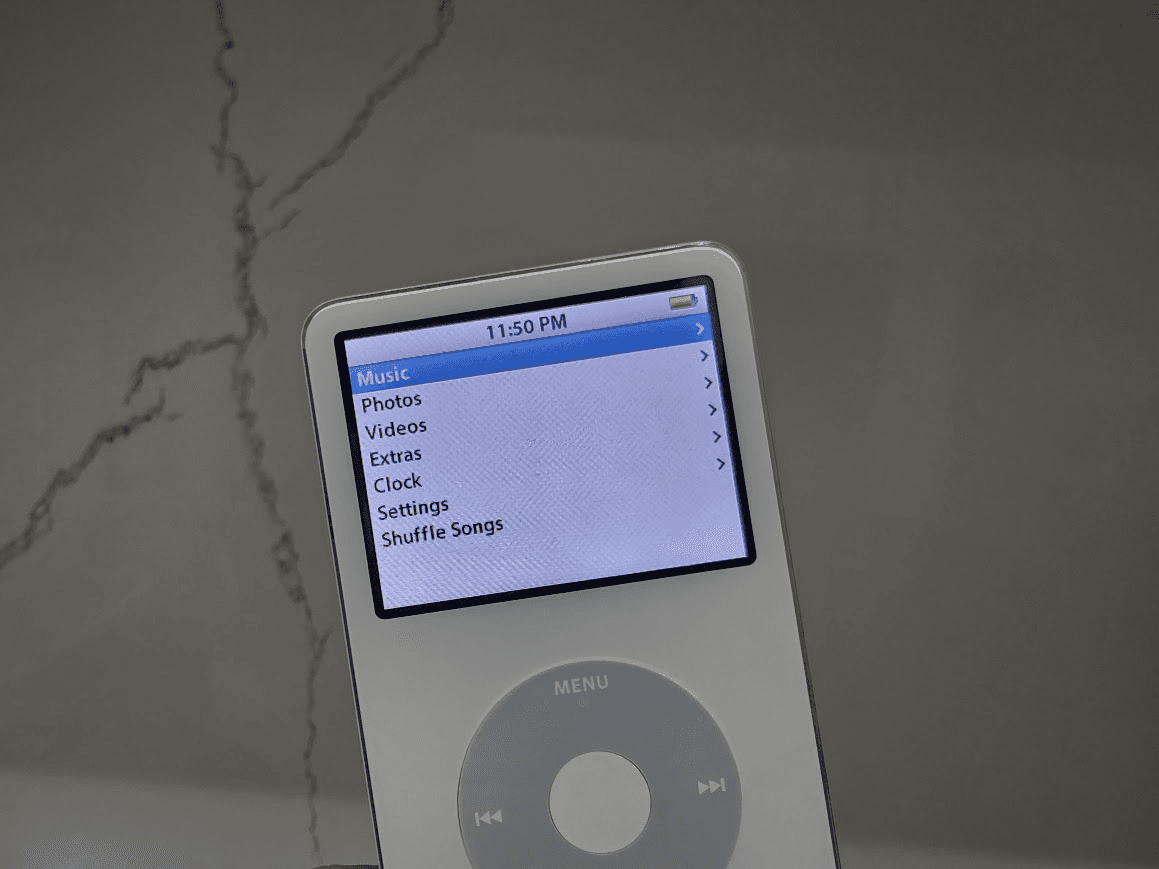
Like most people, I use a streaming service to listen to music. The iPod syncs from iTunes. There is no bridge between those two facts. No export, no sync, nothin'.
The best answer the internet had was to download tracks one at a time, fix the tags by hand, drag them into iTunes, and rebuild every playlist manually.
Like Aristotle once said, "i ain't doing allat lil bro ✌️"
What it does
whitefruit is the bridge. Point it at your Spotify, Apple Music, or YT Music playlists, and it downloads them, metadata and all and imports them perfectly inside iTunes so the iPod picks 'em up on the next sync.
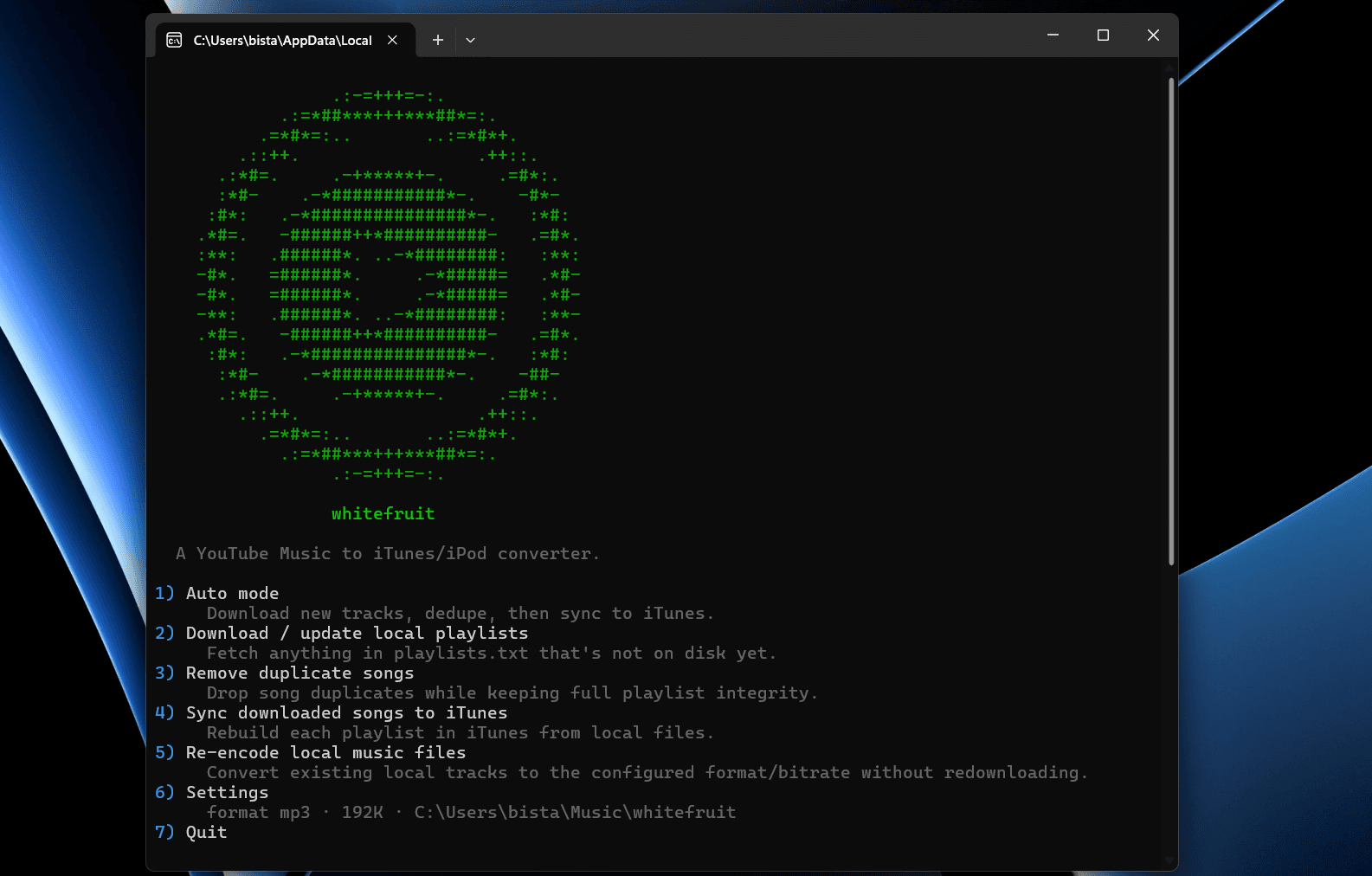
A few features the app offers:
download — get anything in
playlists.txtthat isn't already on diskdedupe — drop duplicate songs while keeping every playlist intact
repair — re-encode existing files to a new format without redownloading (this is not remuxing!!)
itunes — rebuild iTunes library from what's on disk
all — a plug-n-play process to just sync your library
uh... yt-dlp?
Downloading the audio is the easy part; yt-dlp does that. The problem is what you get: a giant mass of songs with no title, no artist, no track number and no cover art. Oh, and for some reason the iPod starts screeching when you play an audio track, and won't even detect half the songs. Sync a few hundred songs and you'll be living in "Unknown Artist" hell.
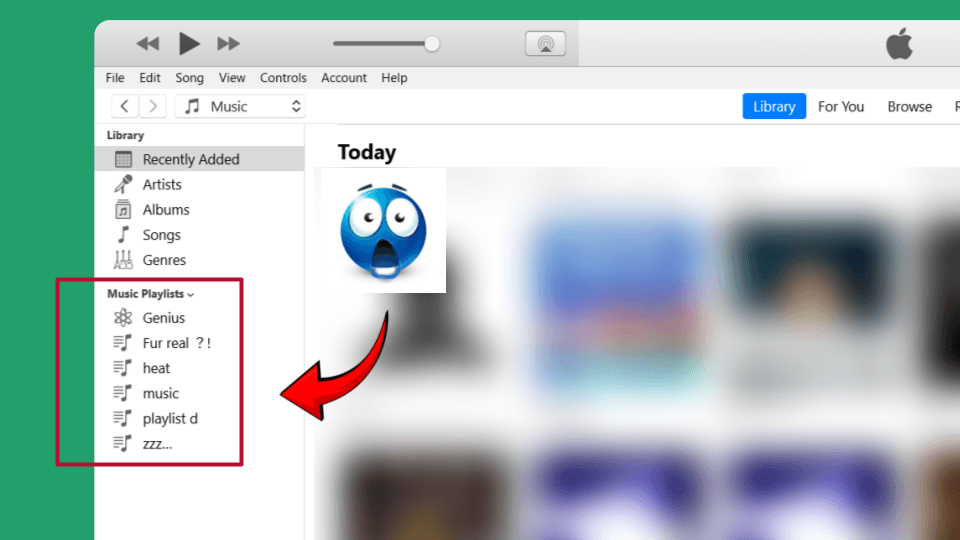
So whitefruit takes the metadata YouTube Music already knows, cleans it up, and embeds it before it reaches iTunes, and preserves the exact playlist order that's punched into iTunes. Go ahead, try and import a playlist using the iTunes GUI on Windows. You can't.
Files land by default in %user%\Music\whitefruit named # - Title [video_id]. The video ID on the end is how the dedupe and 'already downloaded' features work - it's the only stable identity a track has. Two songs with the same name stay two songs; the same song in six or seven playlists stays one file.
Encoding
ffmpeg handles conversion, three options MP3 through LAME, AAC in .m4a, and Apple Lossless (ALAC).
Bitrate is capped at 320 kbps. Not for the file size, it keeps compatiblity for iPods that don't have supa fast SD reads. A 500 kbps VBR track is not a good experience.
repair re-encodes what's already on disk instead of pulling everything down again, which turns "I changed my mind about ALAC" from an afternoon into a few minutes.
Dedupe
A song in six playlists shouldn't be six copies of that song on a 30GB drive.
whitefruit hard-links duplicates instead of copying them: one real file, referenced from every playlist that wants it. iTunes sees each playlist as complete, the disk sees one file, and you're none the wiser.
Talking to iTunes
There's no API. What there is, on Windows, is a COM interface that classic iTunes exposes; the same automation surface that's been there since before the iPod mini (RIP🪦). This is what whitefruit uses to move your foldered playlists onto iTunes - create the playlist, add the tracks in order, let iTunes handle the sync to the device.
A benefit - since the iPod file system isn't being touched, it works on every iTunes capable iPod - except the first gen. But if you have that, you've got bigger issues.
Spotify and Apple Music
whitefruit supports the big three major streaming services; YT Music, Spotify, and Apple Music. This, of course, increased complexity, but also challanged me with how to get these services to play nice with one another (I'm talking to YOU, mister walled garden).
Spotify playlists, albums, and Liked Songs come in through the Spotify Web API - make a free developer app, authorize once in the browser, and it remembers you. No client secret, no charge. Easy peasy lemon squeezy.
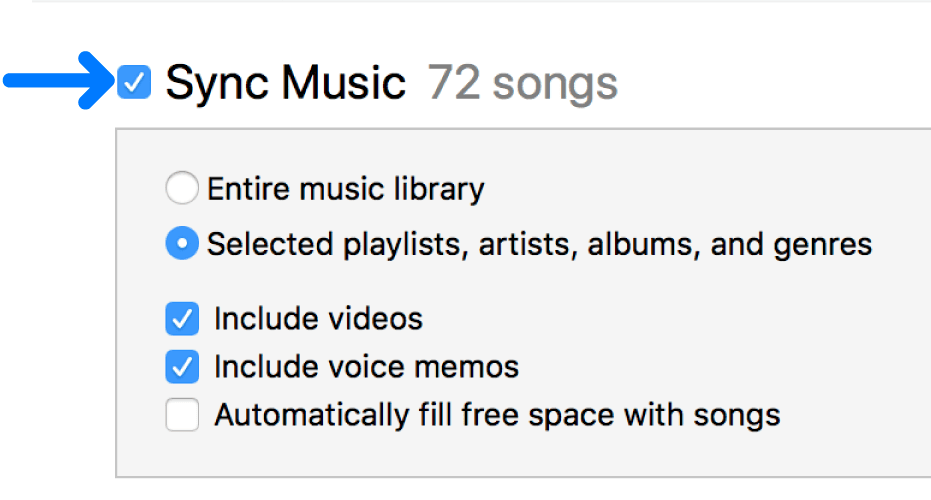
Apple Music is weirder. There's no free API for your library, so whitefruit uses a lil workaround: sign into Apple Music inside iTunes, turn on iCloud Music Library to sync in your AM library, and read them out over the same COM interface it already uses to write. It tells you when to flip sync on and off so nothing double-syncs.
Either way, the audio still comes from YouTube Music - each track gets searched and matched there. The metadata, though, comes from the source: if Spotify says that's the title, that's the title. Matching isn't perfect (the odd clean version or cover slips through), but signing in with YouTube tightens it up.
Premium tracks
If you're a lil free YouTube music gremlin, some tracks won't download without premium. Along with searching YT to replace the gatekept track, whitefruit (with your permission) reads the cookies out of your browser to authenticate, which is the same thing you'd do by hand, minus the doing it by hand.
More info
Source and setup instructions are on GitHub.